
Glowup ↗Official feed
Sunset garden #sunsetgarden #butterfly #frame #glam
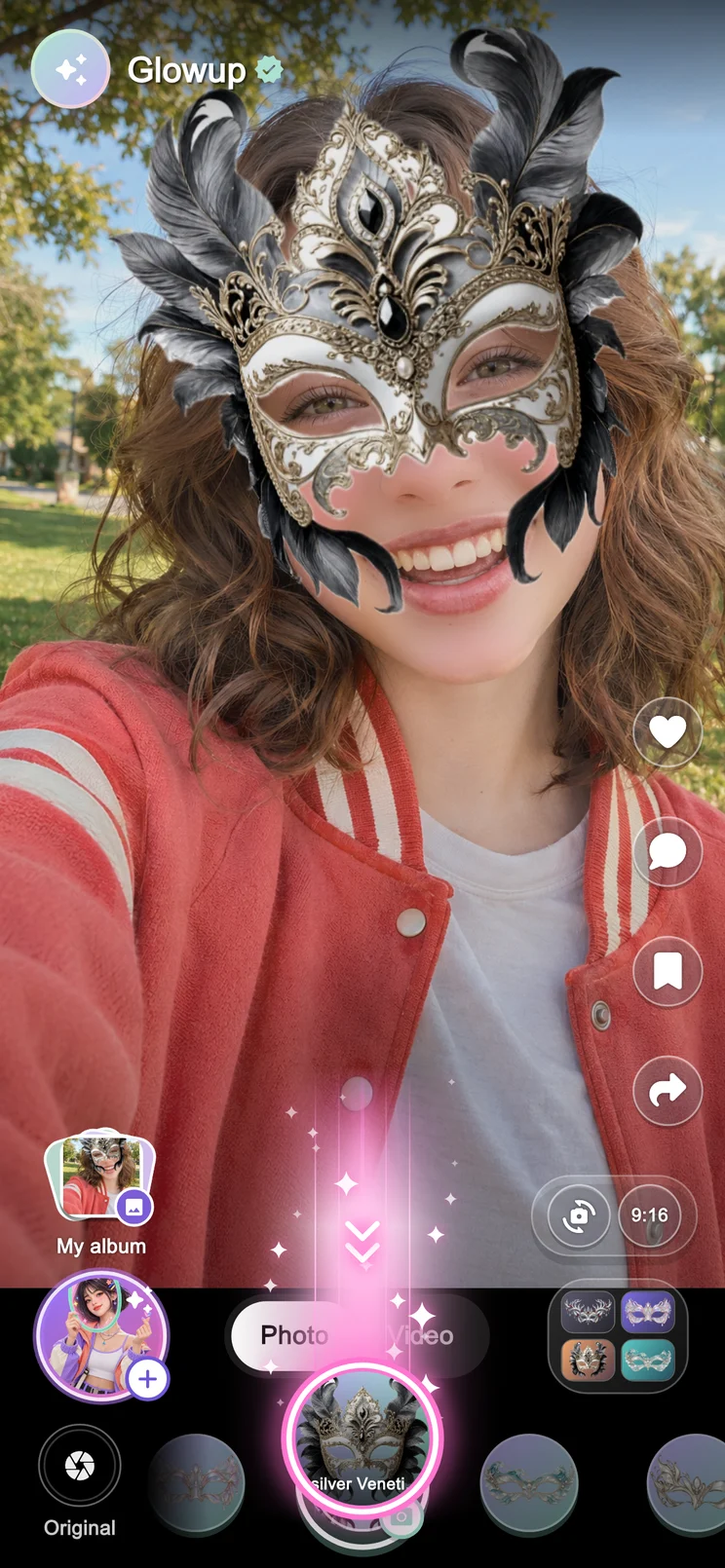
Take a selfie in this look

 Scan with your camera to open the app

Pick a photo, turn it into a Glowup and wear it in the camera.
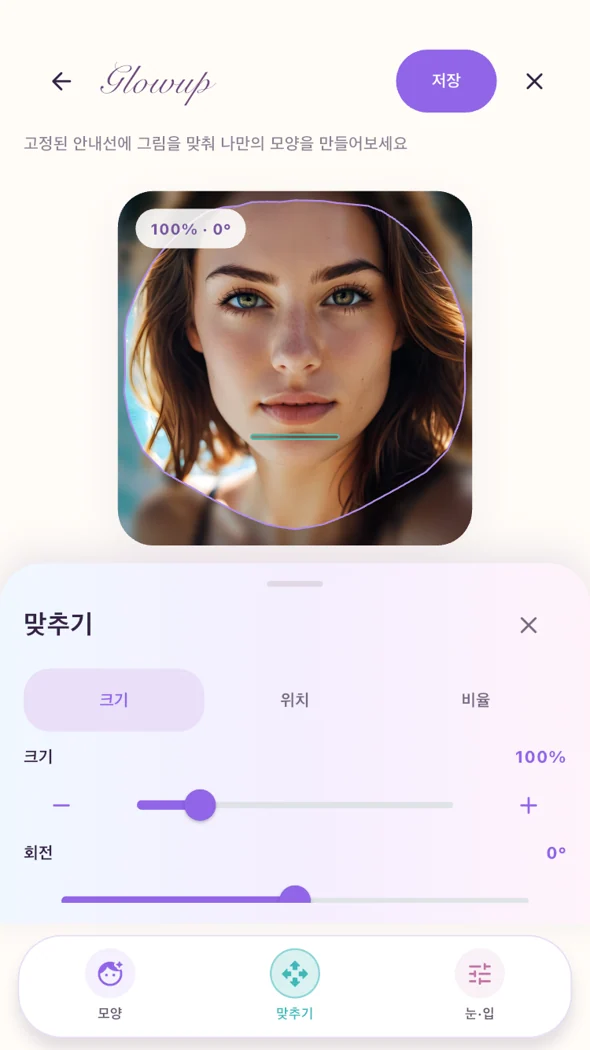
Fit your image to a shape and choose where your eyes and mouth show through.
 Scan with your camera to open the app
Try face tattoos, auras, masks and mood frames.
No face found. Choose a photo or video with a clearly visible face.
Choose a video between 7 and 77 seconds.
Quick Start — Pick a photo, turn it into a Glowup and wear it in the camera. Style Maker — Fit your image to a shape and choose where your eyes and mouth show through.
You can browse this site and try the Glowup camera in the app without an account. Sign in to chat or publish a post.
For now, the web feed only shows posts from official Flexeam accounts.